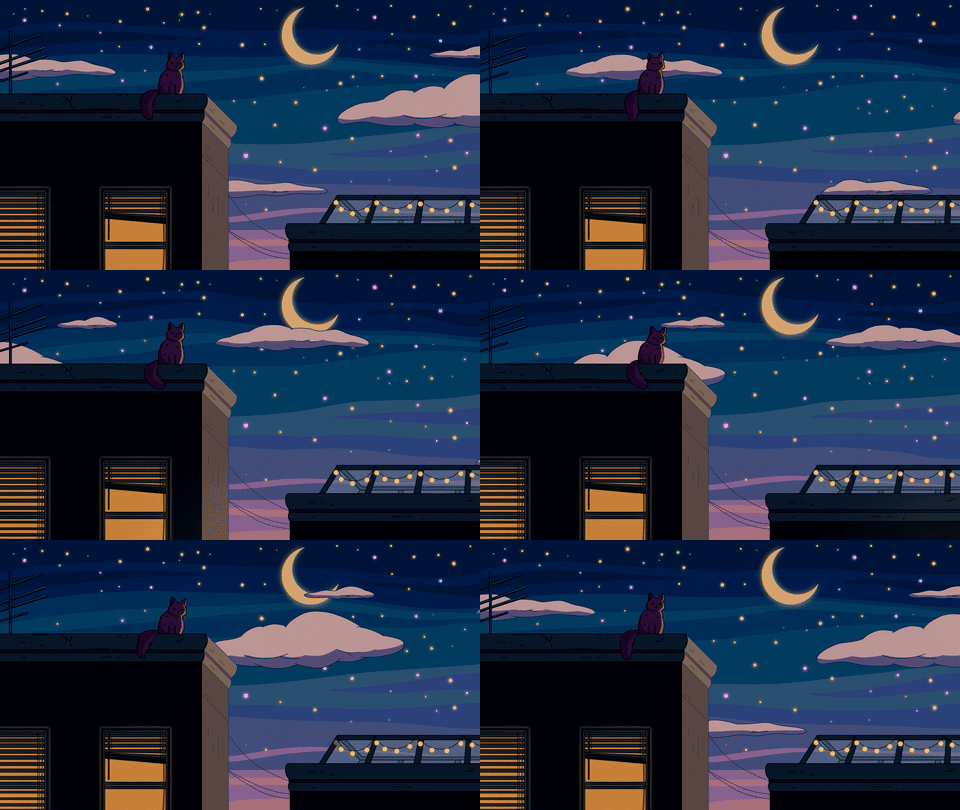
BG-11 / 12 · Moon & night sky · animated
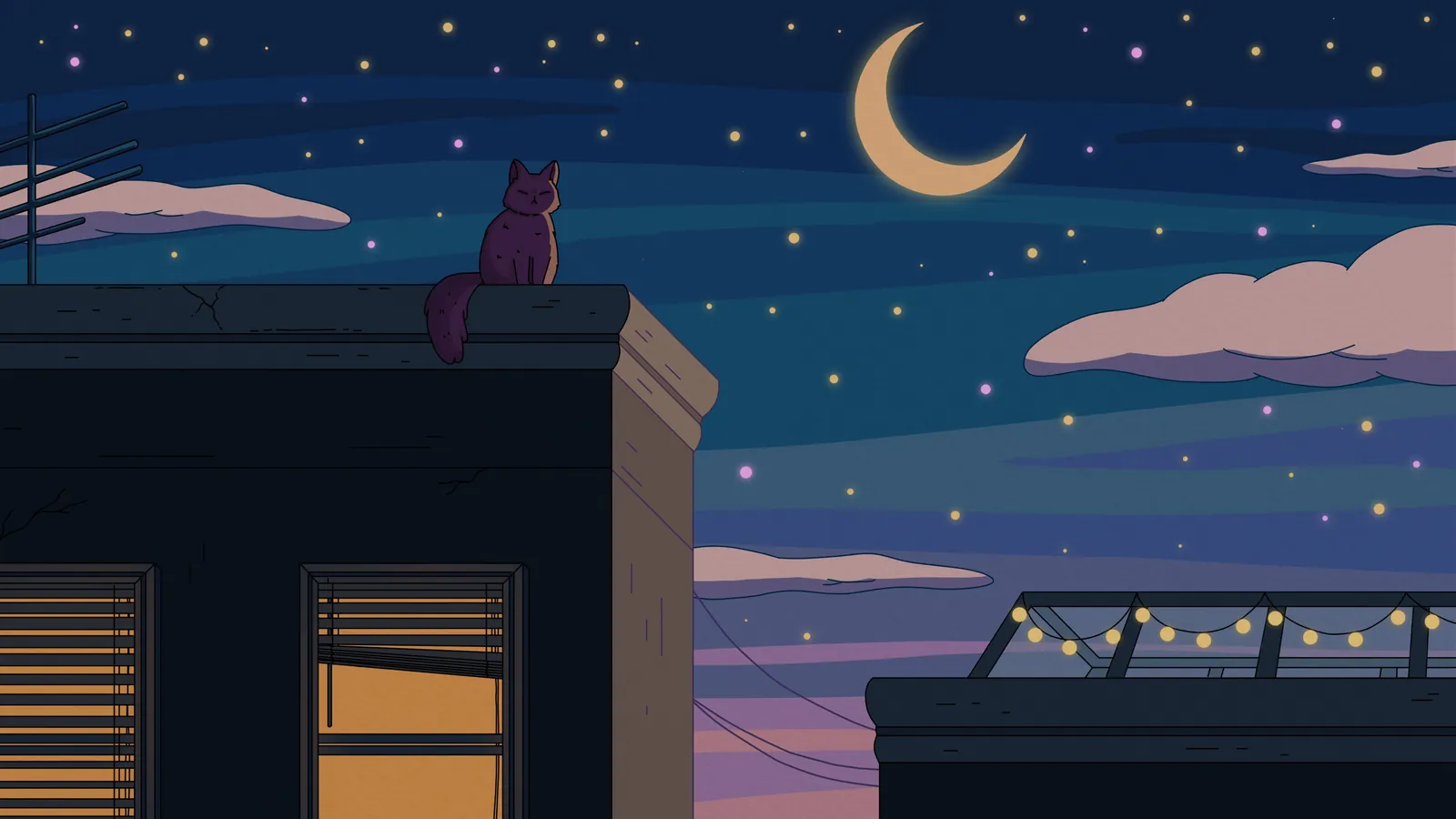
City Nights galaxy background
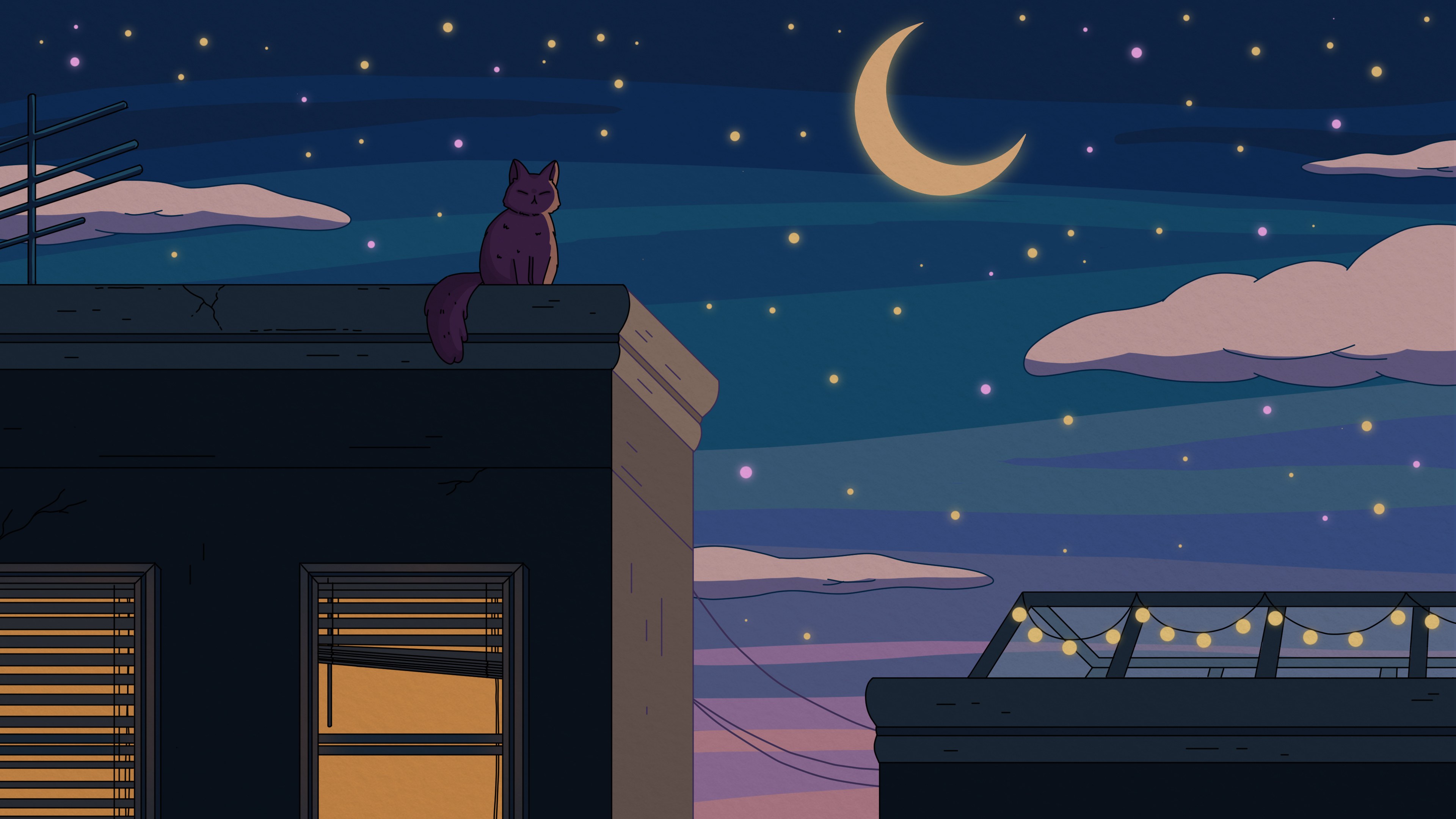
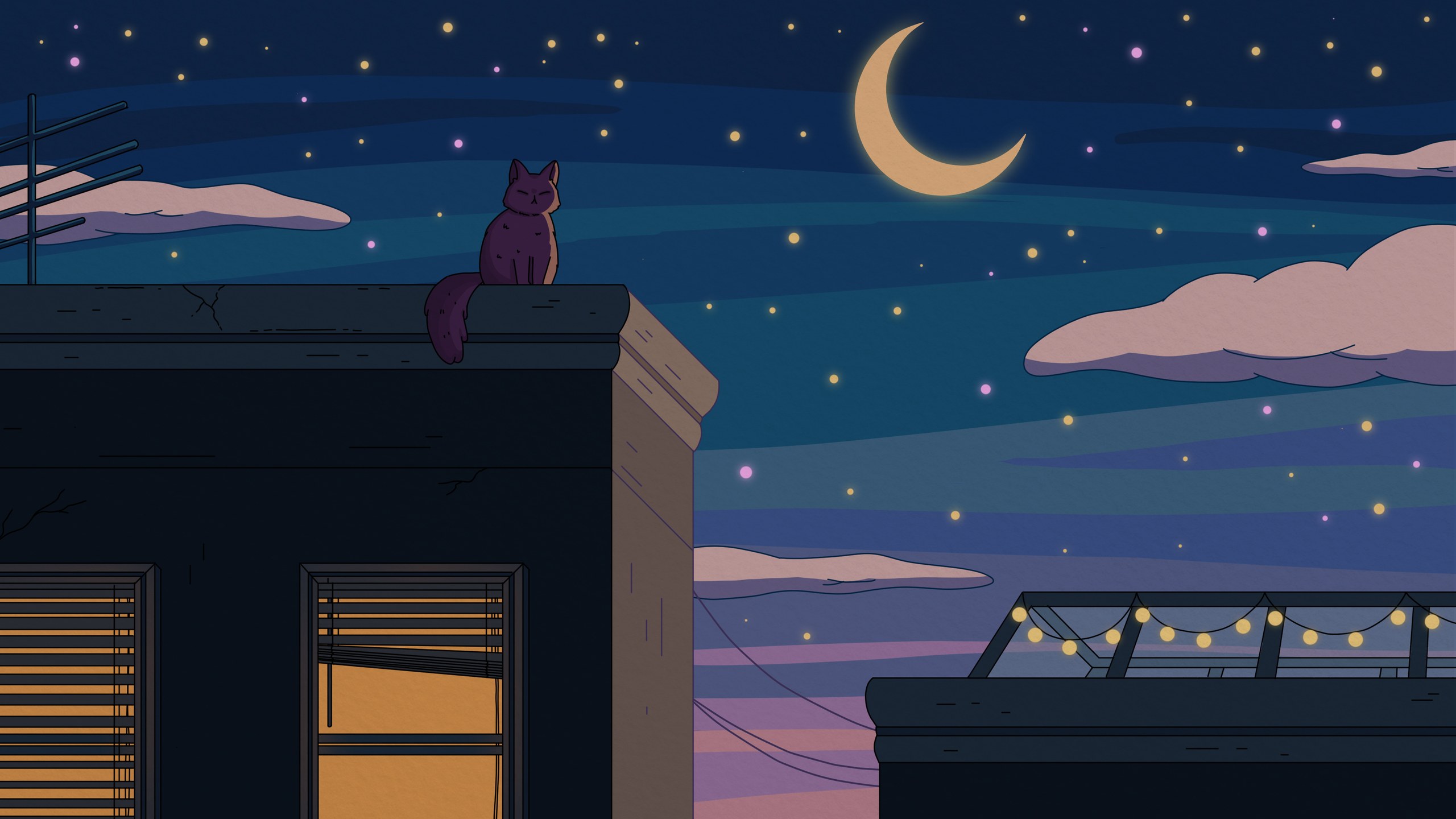
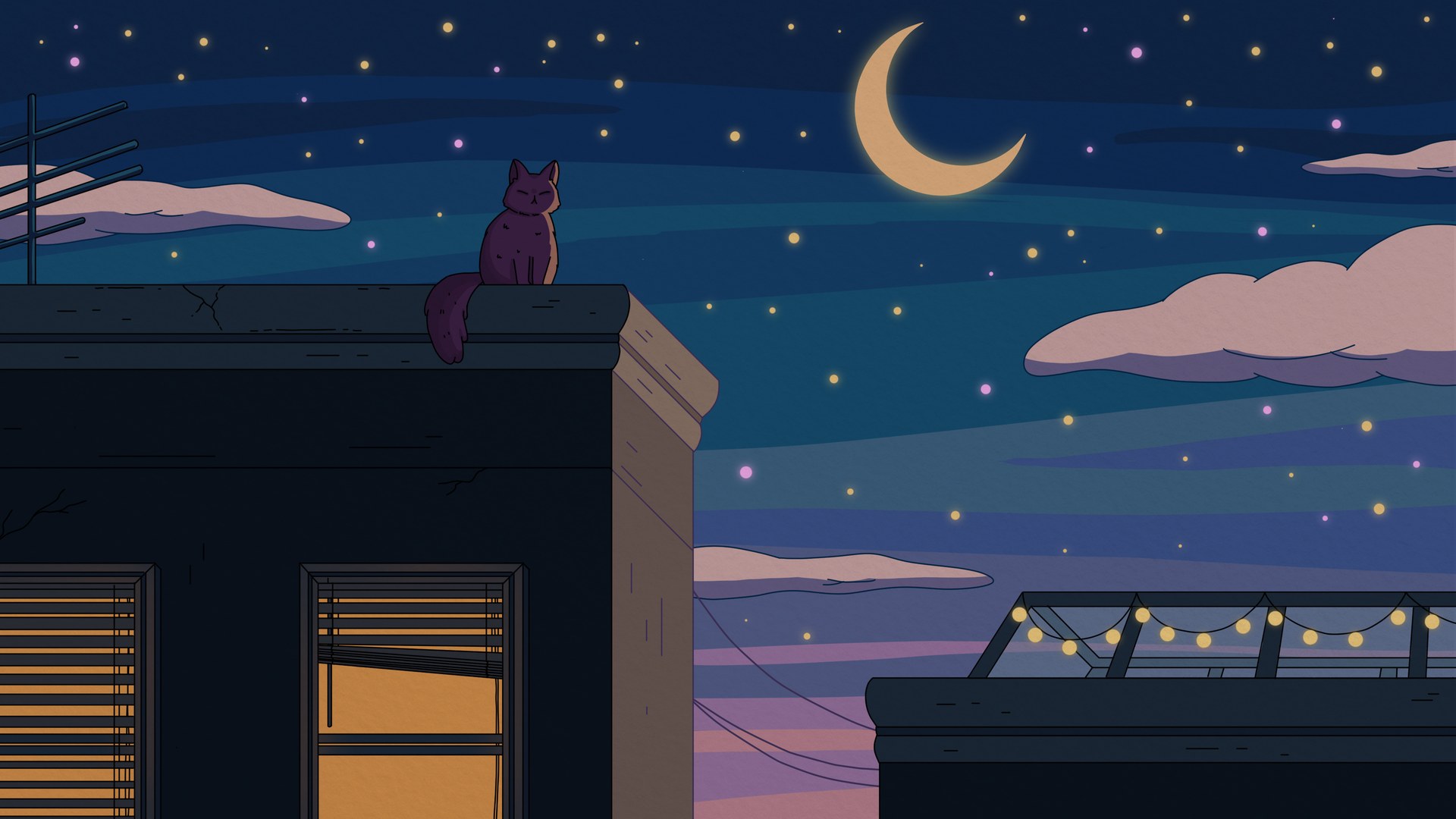
A crescent moon over the rooftops, the sky dotted with stars.
“A quiet night of solitude under a crescent moon.” City Nights, 2021
Downloads
| File | Size | Notes | Weight | Download |
|---|---|---|---|---|
| 4K UHD | 3840×2160 | 16:9 | 506 KB | Download City Nights 4K UHD (3840×2160) JPG |
| QHD 1440p | 2560×1440 | 16:9 | 262 KB | Download City Nights QHD 1440p (2560×1440) JPG |
| Full HD 1080p | 1920×1080 | 16:9 | 173 KB | Download City Nights Full HD 1080p (1920×1080) JPG |
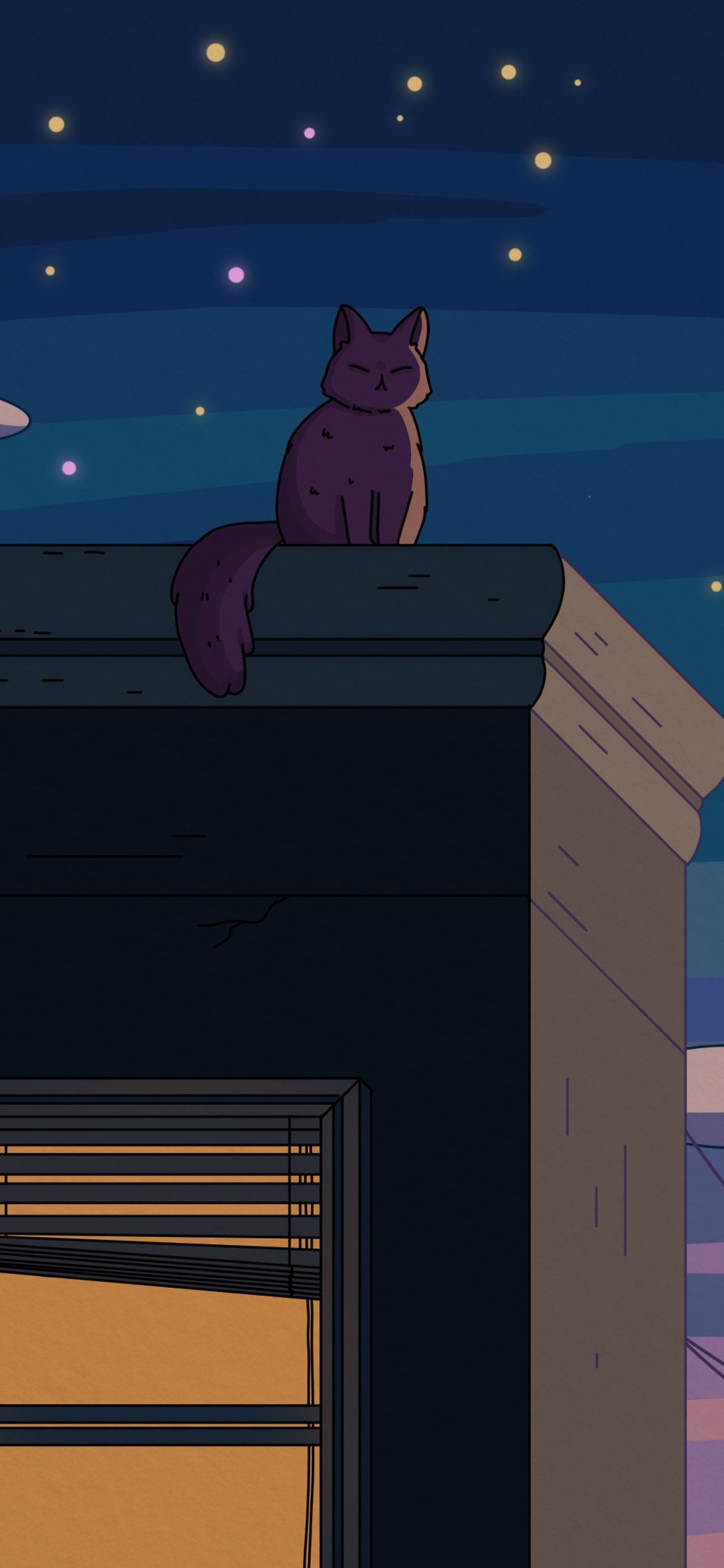
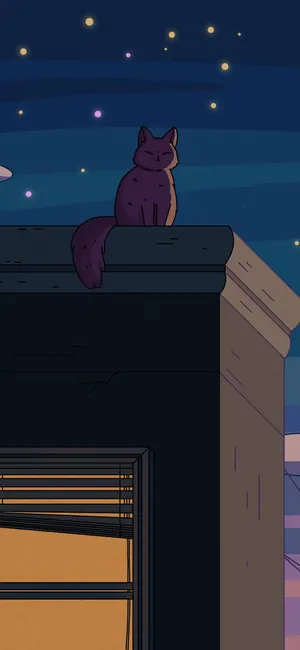
| Phone | 1080×2340 | 19.5:9 straight crop | 149 KB | Download City Nights Phone (1080×2340) JPG |
| Loop MP4 · 1080p | 1920×1080 | 1 min seamless | 9.9 MB | Download City Nights Loop MP4 · 1080p (1920×1080) MP4 |
| Vertical loop MP4 | 1080×1920 | 1 min seamless | 5.4 MB | Download City Nights Vertical loop MP4 (1080×1920) MP4 |
| GIF | 480×270 | 1 min loop | 11.8 MB | Download City Nights GIF (480×270) GIF |
Official files from Purrple Cat (also on purrplecat.art). Stills are the album art resized for screens; the loops are cut from the official After Effects animation.
Its soundtrack: City Nights (2021)
11 songs · 30 min · CC BY 4.0
- Crescent MoonCity Nights · 20212:23#156MP3
- Star BrightCity Nights · 20212:30#157MP3
- SolitudeCity Nights · 20212:30#158MP3
- Wish You Were HereCity Nights · 20212:46#159MP3
- VisionsCity Nights · 20212:42#160MP3
- Can't SleepCity Nights · 20212:53#161MP3
- Dark CornersCity Nights · 20213:30#162MP3
- StreetlightsCity Nights · 20212:19#163MP3
- Time to ThinkCity Nights · 20212:59#164MP3
- Alley CatCity Nights · 20212:56#165MP3
- Dancing ShadowsCity Nights · 20212:20#166MP3
How to set City Nights as your background
01Windows
Right-click the downloaded JPG and choose “Set as desktop background”. Or open Settings › Personalization › Background and browse to it.
02Mac
Right-click the JPG in Finder and choose “Set Desktop Picture”, or open System Settings › Wallpaper and add it.
03iPhone
Download the Phone file, save it to Photos, open it and tap Share › Use as Wallpaper.
04Android
Download the Phone file, then long-press your home screen, tap Wallpapers (or Wallpaper & style) and pick it from your photos.
05Zoom
Settings › Backgrounds & Effects › Virtual Backgrounds › + › Add Image (any JPG) or Add Video (the 1080p loop MP4; Zoom’s limit is 1920×1080).
06Teams
In a meeting: More › Video effects › Add new, then pick the JPG (Teams takes JPG, PNG or BMP).
07Discord
User Settings › Voice & Video › Video Backgrounds › Custom (needs Nitro). JPG, PNG, GIF and MP4 up to 10 MB work, so pick a file under 10 MB (every download lists its size).
08OBS
Add an Image source for a still, or a Media Source with “Loop” ticked for the MP4. Keep it at the bottom of the source list so your camera and alerts sit on top.
Credit
Every galaxy background is free for your own screens, video calls, streams and videos. Credit it like this:
Art & music by Purrple Cat (purrplecat.com)
- The soundtracks are Purrple Cat Self Releases, free under CC BY 4.0 with “Music by Purrple Cat”.
- Never register the music or the art in Content ID.